Chess — Play and Learn: the analysis is the reason to keep it
Playing chess on a phone is a solved problem. What separates this application from the rest is what happens after the game ends.
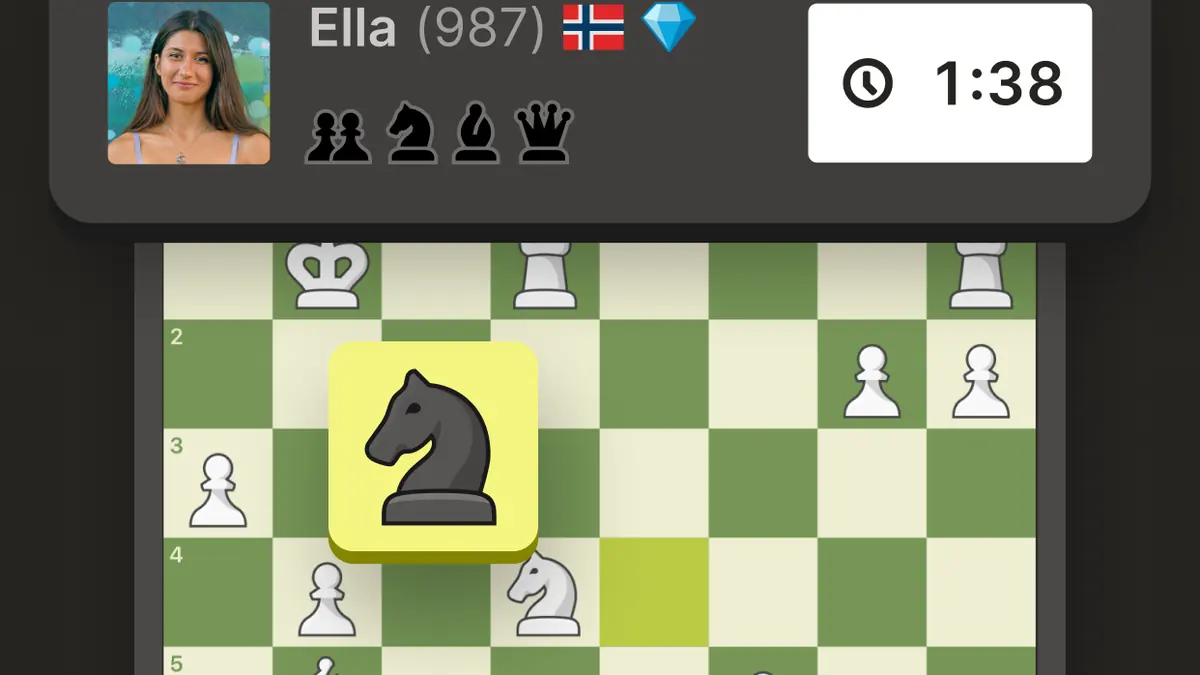
Playing
Time controls run from one-minute blitz to correspondence games measured in days, and the matchmaking finds an opponent of roughly your strength within seconds at any hour. The board itself is unfussy: pieces are legible on a small screen, moves can be made by tapping or dragging, and there is a confirmation setting worth turning on before your first blitz game.
Correspondence play is the format best suited to a phone. A move every few hours over several days fits around ordinary life far better than a ten-minute game does, and the application handles the notifications sensibly.
The part that matters
After a game you can run an analysis that walks through every move, marks the mistakes and shows what should have been played instead. The explanations are written in plain language rather than notation alone, which makes them useful to someone who has never studied openings.
This is the feature that changes the application from a place to play into a place to improve, and it is the main argument for choosing it over any other chess application.
Puzzles and lessons
Puzzles are short tactical positions with a single correct answer, generated from real games. They take thirty seconds and are the closest thing to a genuinely well-designed daily habit on a phone. Lessons are structured video and interactive material, considerably more of which sits behind the paid membership.
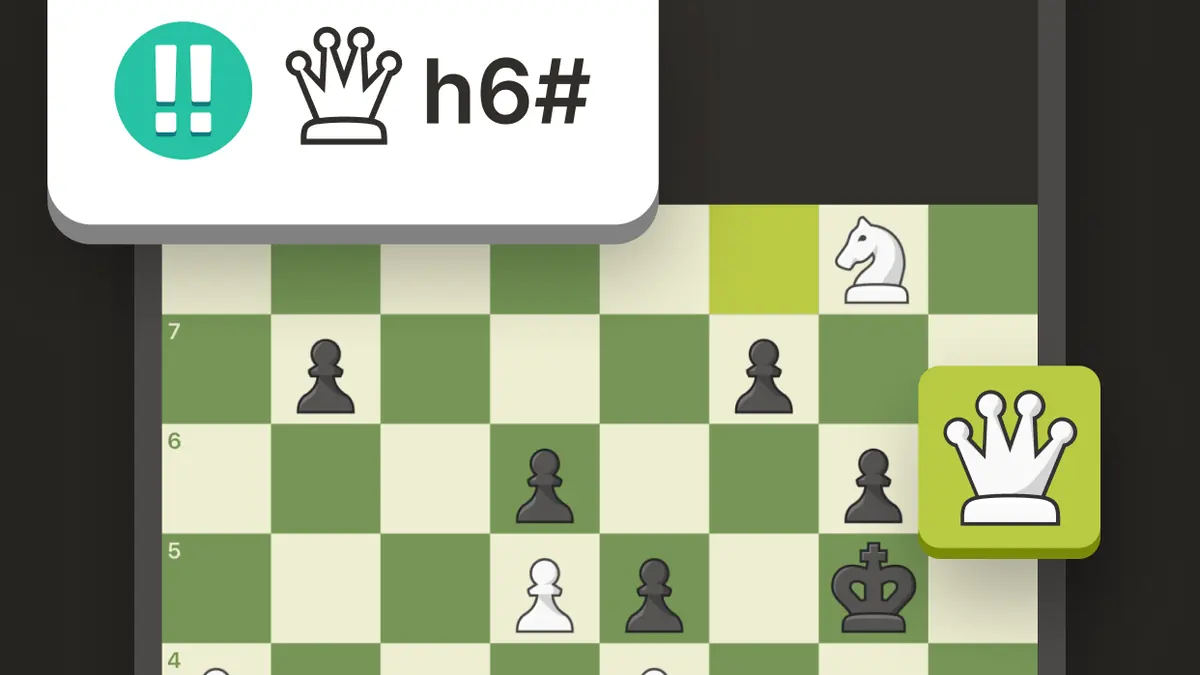
Free versus membership
Unlimited play, a daily allowance of puzzles and a limited number of game analyses are available without paying. A membership removes those limits and unlocks the full lesson library. Nothing about the chess itself is restricted, which is the important distinction: paying buys study material, not an advantage on the board.
Prices vary by country and any current offer is shown in the store at checkout.
Connection and hardware
A connection is needed for everything, including play against the computer. Requirements are otherwise light and the application ran without issue on our older test phone.
Where it disappoints
The interface is busy. Between clubs, events, streams and a news feed, the route to simply starting a game is longer than it should be, and the home screen changes layout more often than is comfortable. It is a lot of application around a very simple activity.
Who it suits
Anyone who plays chess at all, and particularly anyone who wants to get better rather than just pass time. Of the four titles on this site it is the one most likely to still be installed a year from now.
Where to find it
The official listing is on Google Play. It shows the current download size, supported languages, the age rating for your country and the full list of in-app purchases.
Open on Google PlayTerms, taxes and fees are shown on the next step. Celtic Tactical Gaming does not sell the game and handles no payments.